Match the screen below to your problem. Keep your saves before clearing browser data.
What do you see?
| Screen | What to try next |
|---|---|
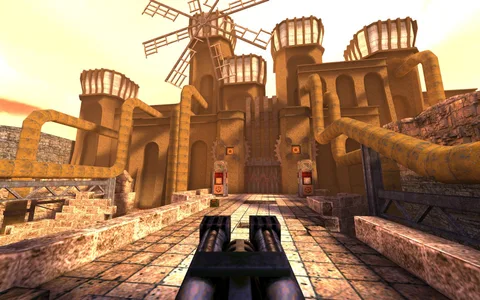
| Quake: pak0.pak progress bar | Let the first download advance. Follow the Quake launch steps. |
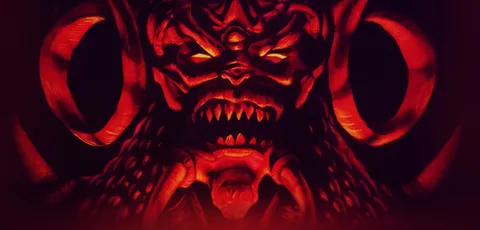
| Diablo: Select MPQ / Load Your MPQ | Supply your own DIABDAT.MPQ, or choose Play Free Demo / Play Shareware. |
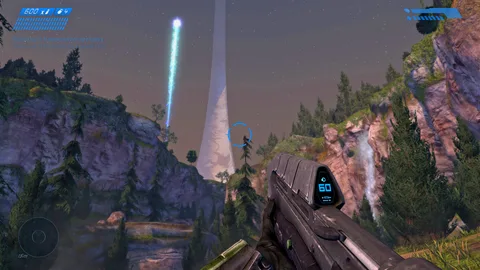
| Halo: Choose XISO / Choose disc image | You need your own compatible Xbox image. See the two file requirements. |
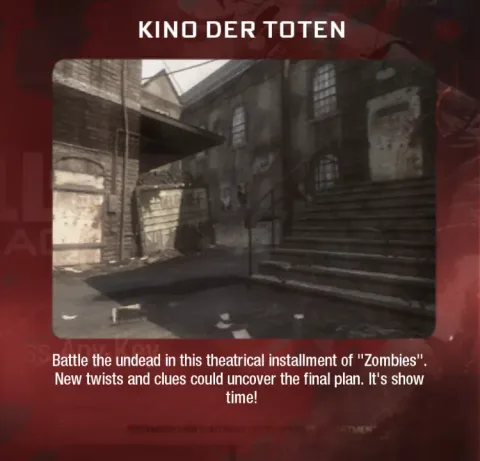
| BO1: download percentage | Wait for “Click to start”; that is a later step than the map picker. |
| Mouse or sound access declined | Make the game tab active and click the game. The BO1 test notes show the error encountered here. |
| Gambling page or unrelated store | Close it. Check the list’s changed-link notes. |
| Diablo: Game already open | Save and close other Diablo Web tabs/windows, then click Try Again. |
| Certificate warning | Do not bypass it to reach a game. The Hedgewars short link failed this check. |
| BO1: invalid invite or co-op unavailable | Check the lobby route and exact message. |
| HCEMobile: black level or memory error | Follow the project-specific settings and memory steps. |
If a download appears stuck
If the percentage or file size keeps changing, let it finish. If nothing changes, note the current file and error, then reload once. Repeated refreshes can restart the download.
Which game file do you need?
| Project / route | Expected file | Free starting option |
|---|---|---|
| Diablo, full game | DIABDAT.MPQ | Play Free Demo |
| Halo desktop | Xbox Halo XISO | None listed |
| HCEMobile | Verified Xbox .iso or .xiso | None listed |
| GTA Vice City | game.tar.gz containing compatible game data | None listed |
| Skate 3 fan game | Your own converted Skate 3 copy, per the project | No file-free route documented on the checked page |
Use files from your own game copy. Select the format requested by that project; an installer or renamed archive will not substitute for it. Keep the original file if an import fails.
The Skate project says data streams from your own converted copy. A slow first load alone does not show that the correct files are available; its conversion/import procedure has not been verified here.
BO1 invite, controller and engine-loading problems
First identify your route: the built-in Multiplayer mode or the optional extension's Co-op card. Their invitations are different. Ask the host for a fresh complete link from the same route.
- Extension engine/version warning: check its current update instructions and have host and guests reload. A relay-allowance warning needs a reset or the group's own relay, rather than a game-data download.
- Greyed-out controller option: test keyboard and mouse first. Support depends on the build or extension; a connected controller alone does not confirm game support.
WebAssembly.Suspending is not a constructor: keep the exact message, browser version and map. This player-reported loading error has no verified universal fix in this guide.
Use the BO1 joining table for the next step. Source discussion for controller and loading reports.
If the game appears but controls do nothing
Click inside the game, then try a known control: W in QuakeWorld or I in Diablo. If the game needs mouse capture, click Start in the active tab. Press Esc to release the pointer.
This browser feature is called pointer lock. If input still fails, check the game’s bindings and try without a controller first.
Protect saves before clearing data
Return to the same project address in the same browser profile. A different mirror or private window uses different site data.
For Diablo, use Manage Saves to download a backup. For other projects, check their export controls before clearing storage. Browser storage can be removed, so keep an exported copy outside it.
For HCEMobile, use Settings and data to export or restore saved games.
Send the useful details
Include the project URL, browser version, device, last screen reached and exact error. Send game errors to the project’s maintainer; send list corrections to [email protected].
Player questions
Are all of these links safe to open?
Check the changed-link labels. Three old Zombies destinations redirected to gambling sites, and the Hedgewars link showed a certificate error; their launch buttons are removed.
Question in the discussionWhy does input feel delayed?
Check focus and mouse capture first. Then reduce in-game resolution if available and close heavy tabs. Separate local aiming behavior from multiplayer connection problems, and test one change at a time.
Question in the discussion